On the label
Use It Before keeps a simple list of things with an expiry or best-before date, and tells you what to use first.
At a glance
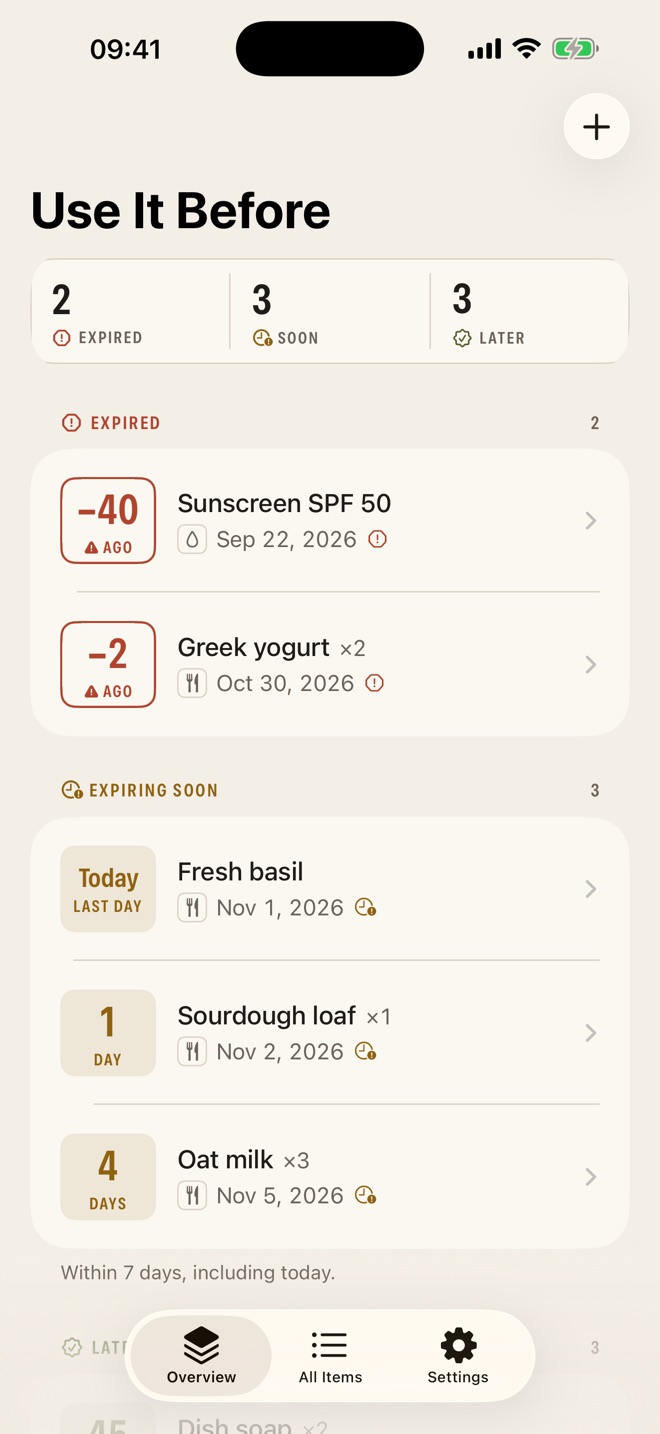
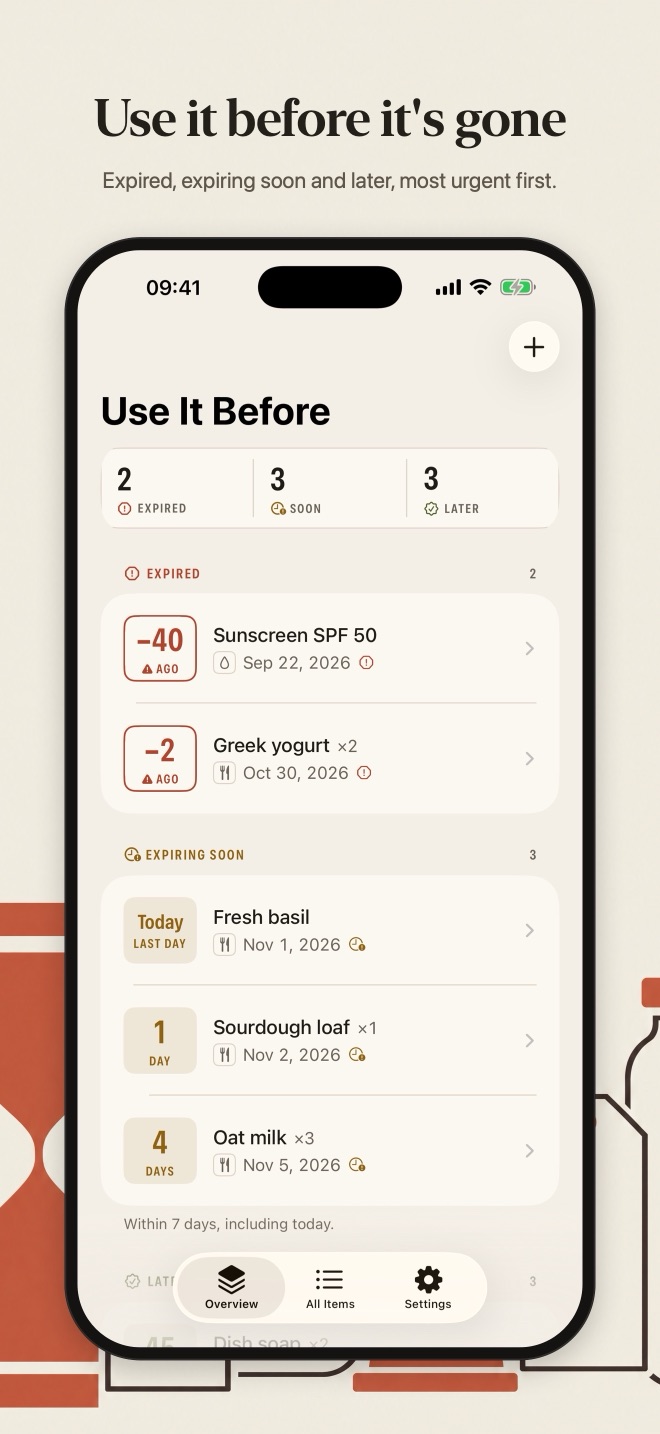
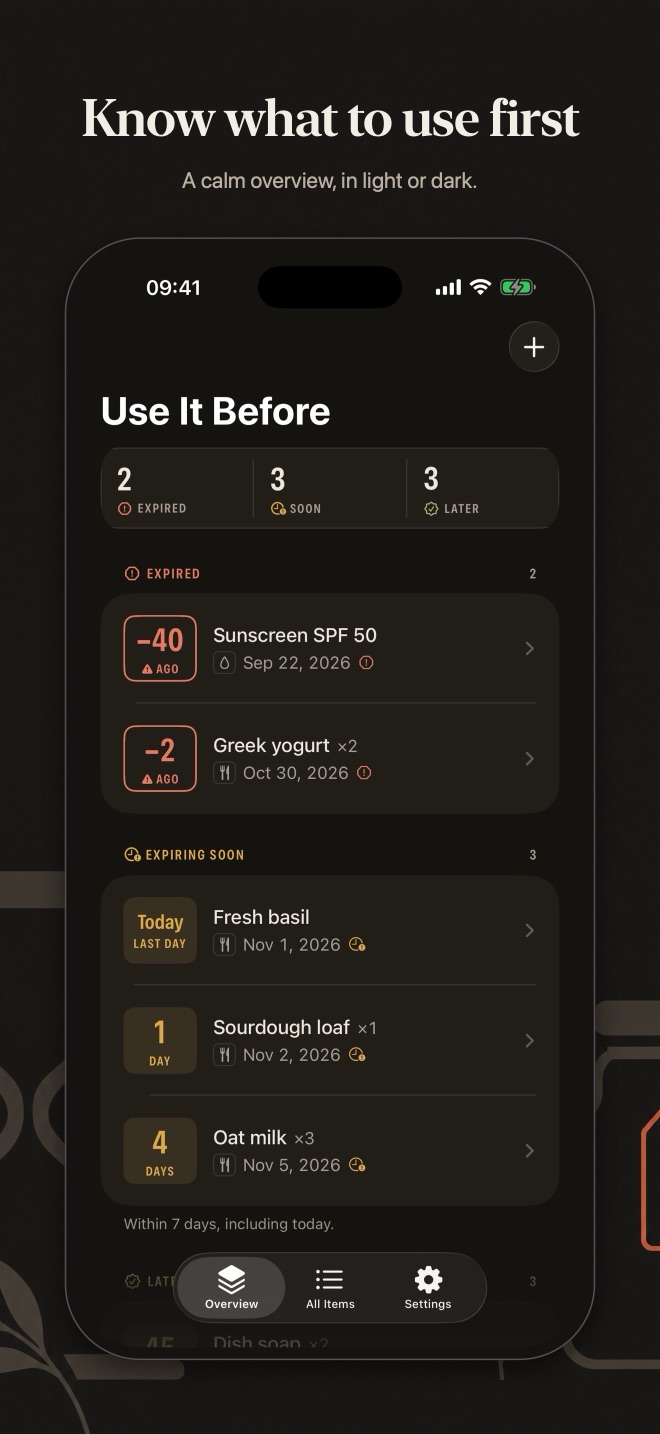
- Every item shows the number of days left, or how many days ago it expired
- Items are grouped into Expired, Expiring soon and Later, most urgent first
- Tap a counter at the top to see only that group
- Urgency is shown with symbols and words as well as color
Add in seconds
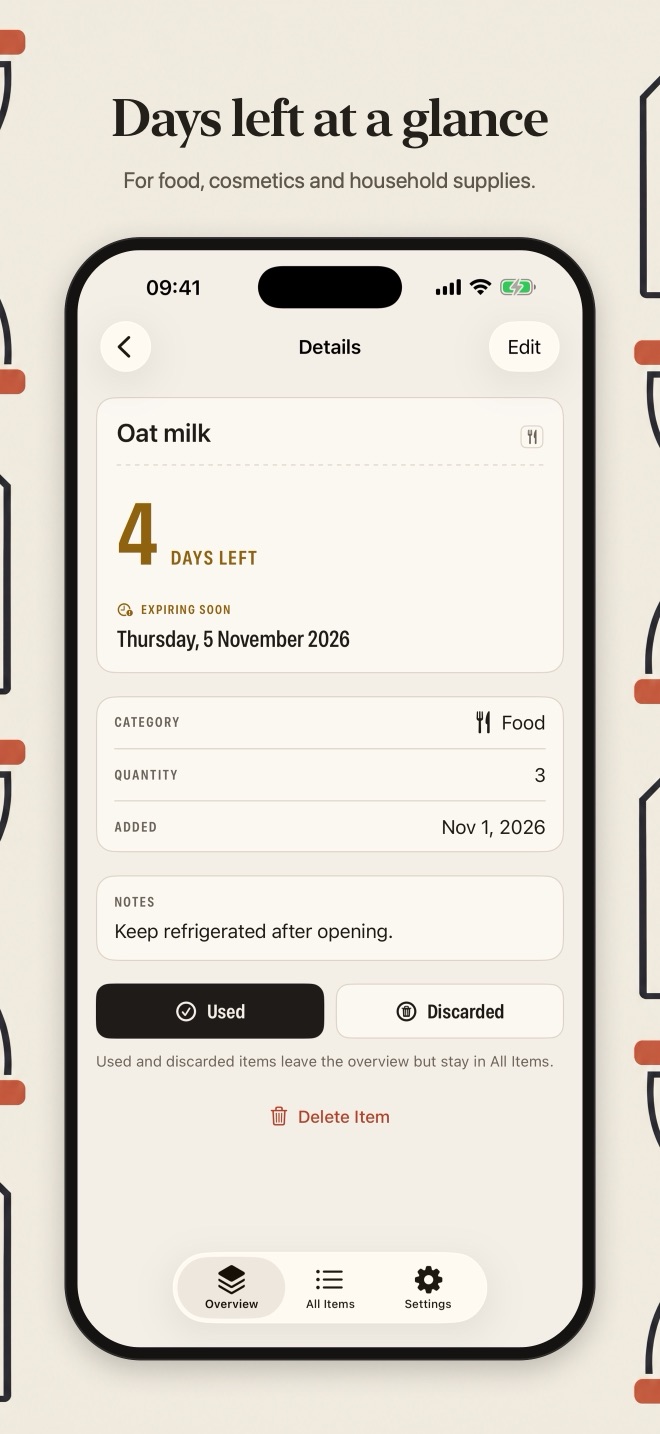
- Name and expiry date, plus an optional category (food, cosmetics, household or other), quantity and notes
- Search your items and filter by category or status
When you're done with it
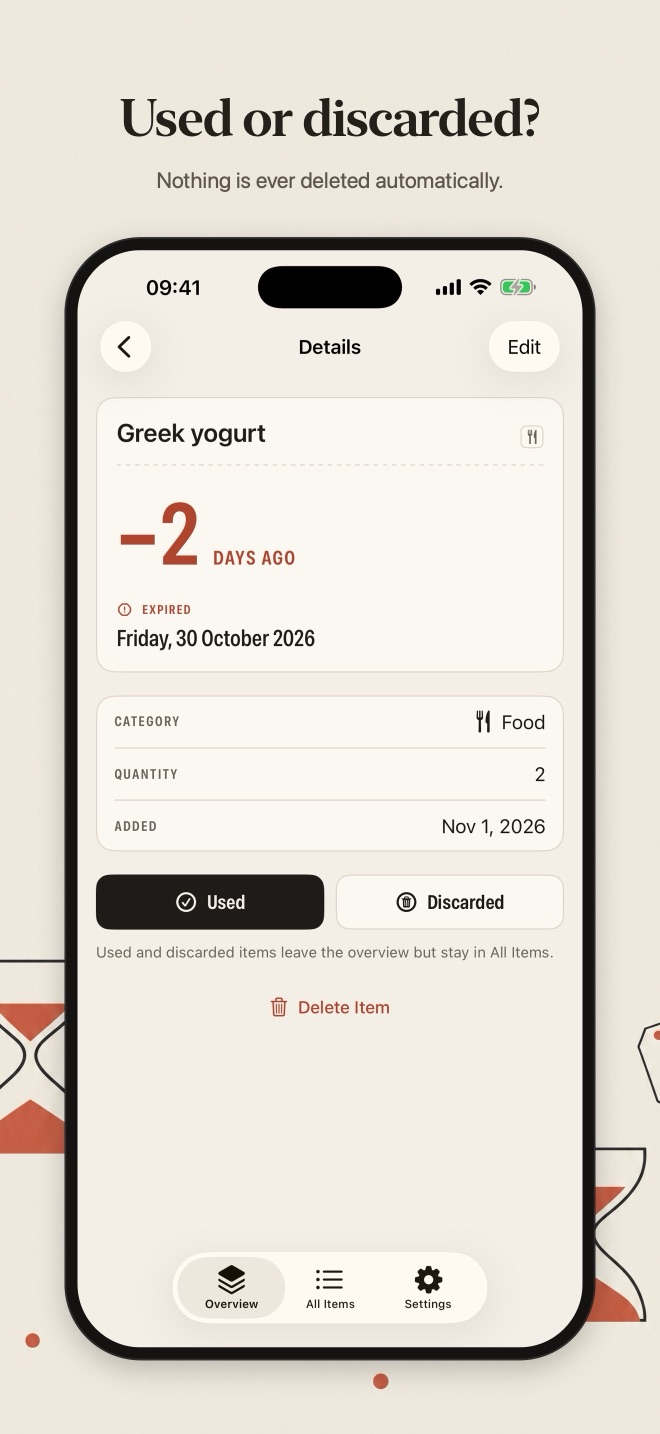
- Mark an item as used or discarded; nothing is ever deleted automatically
- Restore an item if you marked it by mistake
Your rules
- Choose how many days count as "expiring soon" (seven by default)
- Dates are based on calendar days, and the list refreshes when you open the app
Private and offline
Everything stays on your iPhone. No account, no ads, no tracking. Light and dark mode, Dynamic Type and VoiceOver support.
Screenshots
Most urgent first
Support
Help & contact
- Do I need an account?
- No. There is no sign-in and no account. Open the app and start.
- Where is my data stored?
- Only on your iPhone. Use It Before has no servers, no cloud sync and no analytics, so nothing you enter is sent to us or anyone else.
- Does it cost anything?
- No. The app is free, with no ads, subscriptions or in-app purchases.
- What happens if I delete the app?
- Deleting the app deletes its data from your iPhone. If your iPhone is backed up to iCloud or a computer, that backup may still contain the app's data, as with any app.
Need help?
Questions, bug reports or ideas: email info@saltenis.dev and include your iPhone model and iOS version if something isn't working.
We usually reply within a few working days.